
Putting Vibe Coding to the Test
I tried Vibe Coding properly for the first time on a real project — an Angular frontend talking to a headless CMS, using Gemini Code Assist throughout. Here’s what actually happened.

Context matters more than the prompt box.
The chat interface alone wasn’t enough for anything non-trivial. What worked was writing the feature requirements in a .md file - structured, specific, with field names, API contracts, and expected behaviour - and feeding that as context. The generated code went from generic scaffolding to something I could actually use. Side effect: those .md files become reasonable first-draft documentation too.
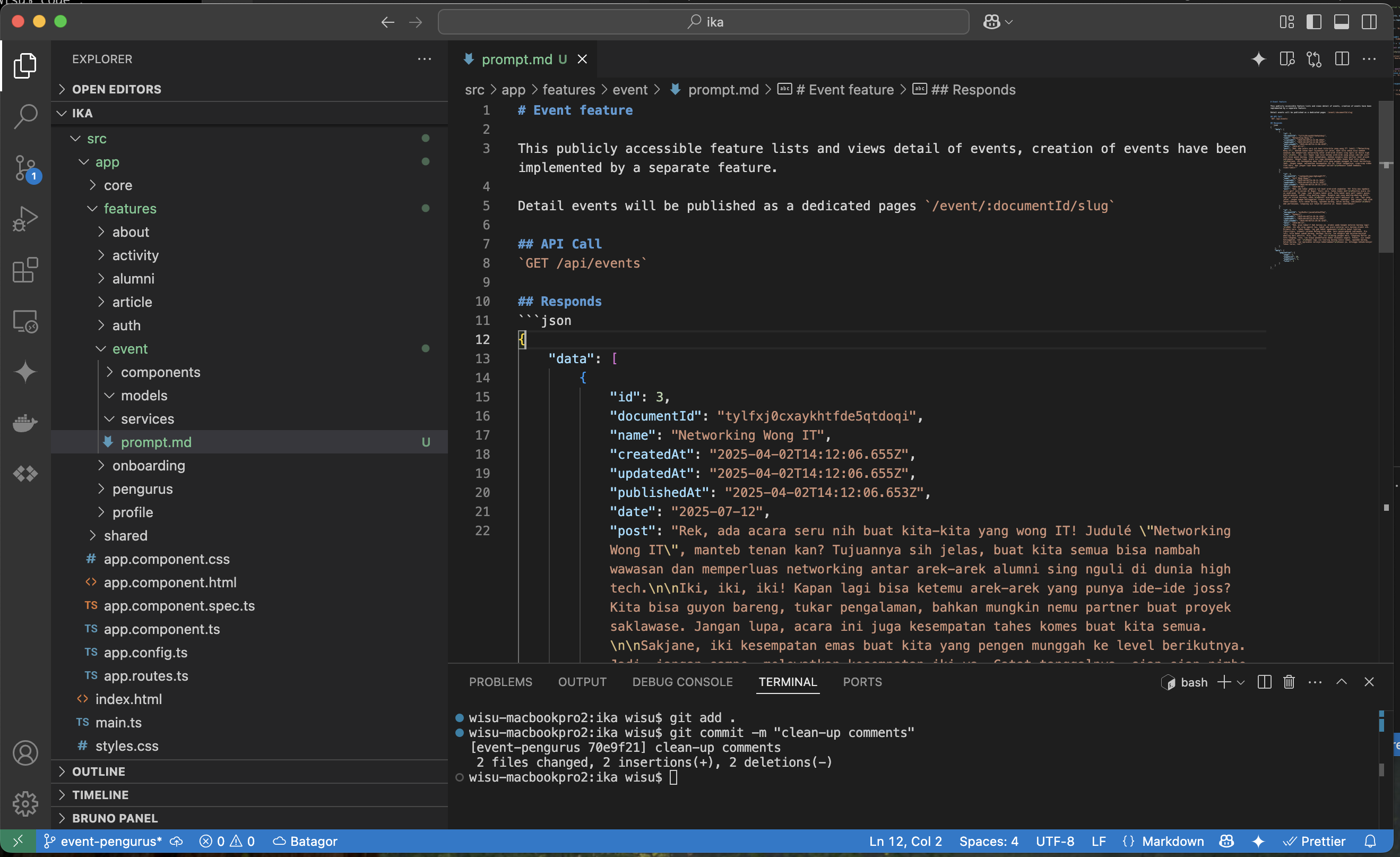
TypeScript boilerplate is where it earns its keep.
Give Gemini Code Assist an API contract and it will generate the interfaces, service methods, and Angular models accurately and fast. The tedious TypeScript boilerplate nobody wants to write by hand.. this is where it genuinely saves time. Without touching the parts that actually need thinking.
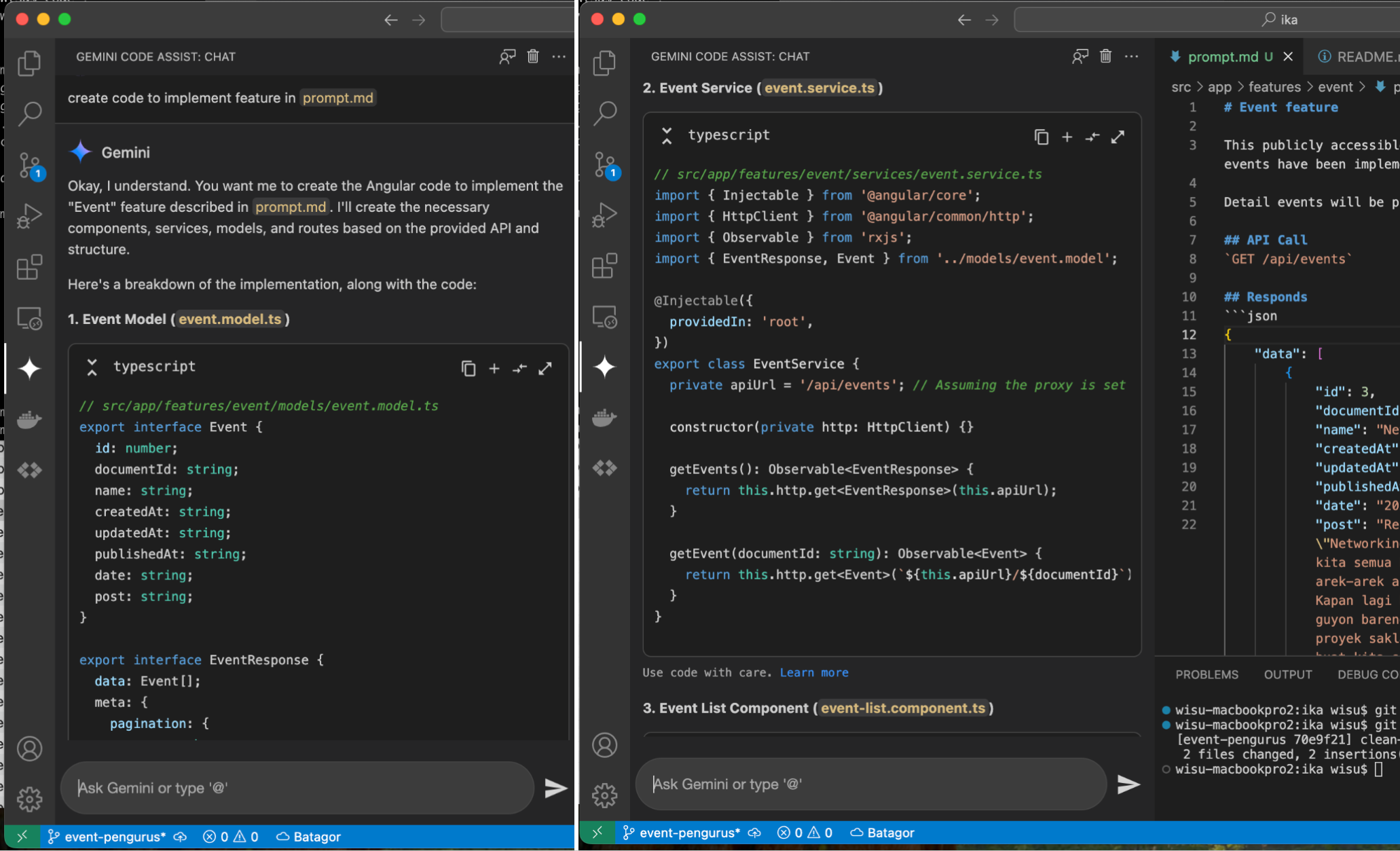
You still need to know what you’re doing.
My engineering background came in constantly - reviewing the output, catching wrong assumptions, deciding what to keep or rewrite. Gemini Code Assist is fast, but it’s not a replacement for knowing the architecture. It speeds up the execution. The thinking is still yours.
Git every suggestion, no exceptions.
Every AI-generated chunk went into its own commit. This sounds obvious but it’s easy to skip when things are moving fast. Without that discipline, debugging an AI mistake two days later is painful. With it, rolling back is trivial.
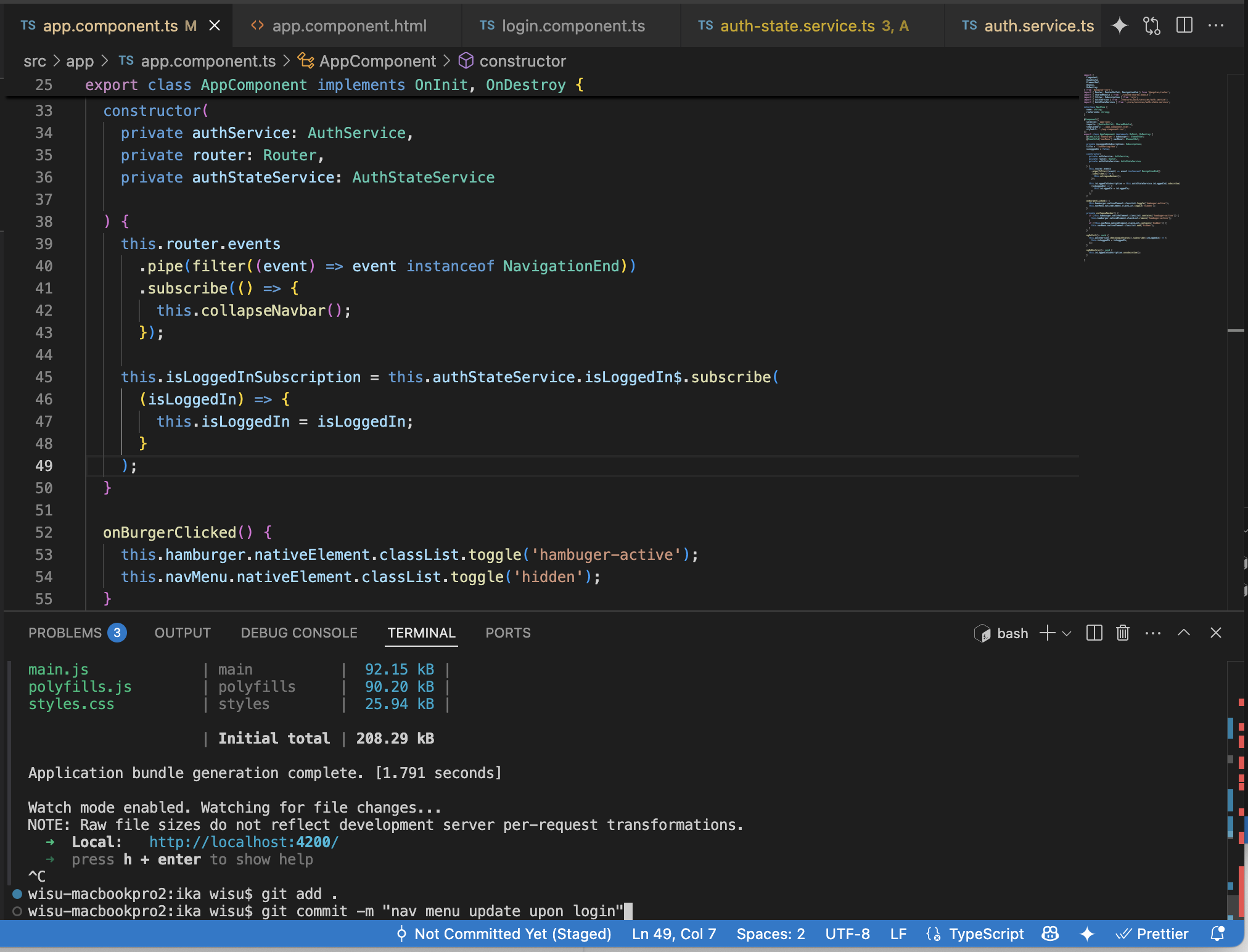
Overall: the productivity gains are real, but they come from using it precisely - context-heavy prompts, targeted at the right tasks, full version control, and a human reviewing every output. Treat it like a fast junior dev who needs clear specs and close review.. not a magic shortcut.
